Xero
$50 Cashback
Standard Cashback
$50
Take note
- To be eligible for cashback, users must purchase a subscription and connect their bank feed
Cashback timeline
Purchase
Tracked in
2 days
Confirmed in
125 days
Terms and exclusions
Refunds, cancellations and no-shows
Any rejected, cancelled, refunded, exchanged or returned purchases will not be eligible for Cashback.
Tracking disclaimers
- Your Cashback may be tracked at a different rate initially and adjusted to the correct rate when we confirm the transaction details.
Other terms and conditions
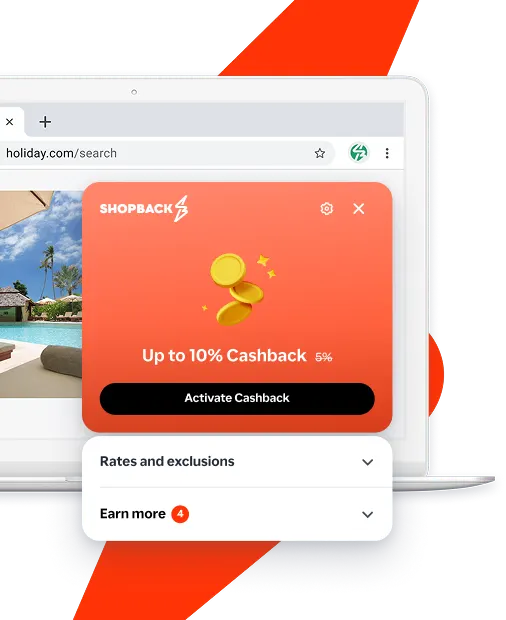
Never miss Cashback on Xero
Get instant alerts on Cashback when you shop online with the ShopBack extension.
Cashback tips
Check carefully for Cashback exclusions and caps before you buy or book to avoid disappointment. Don't forget the terms and conditions on any promotion and campaign pages.
Complete your shopping in one go: Always start from this platform to visit the store directly, for every new transaction. If your store visit is interrupted by an app update or download screen, restart your shopping from our platform.
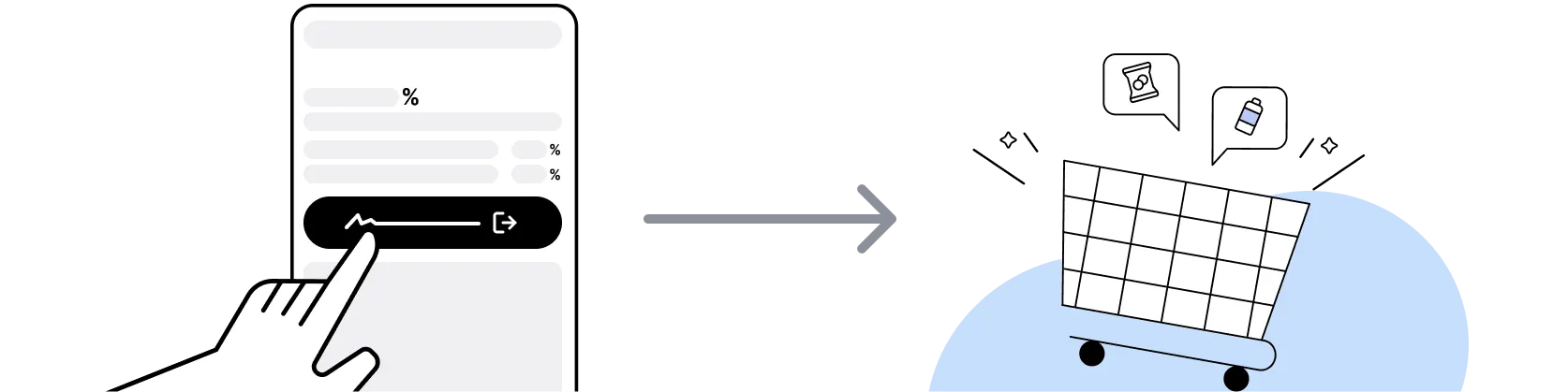
Don't click on any third party links or extensions or use VPN or adblocking software, as they could result in your Cashback not being tracked. Some examples include: Facebook ads, Google Ads, other loyalty or cashback extension links.

For Xero, you need to clear your cart, close the Xero app, open this platform to visit the Xero app or website and complete your purchase there in order to earn Cashback. You need to do this for each purchase.
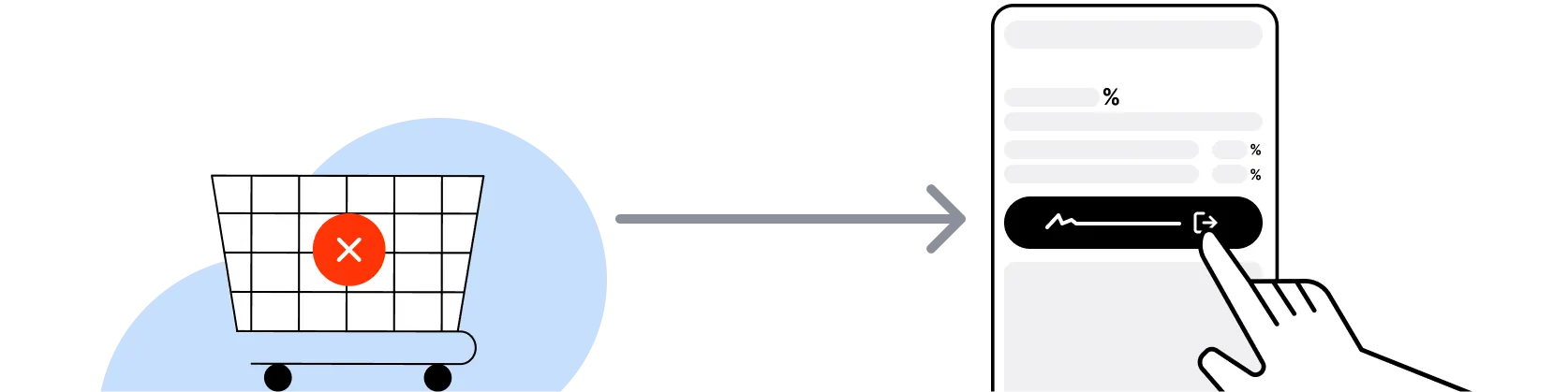
If you encounter payment errors during your purchase, you should restart your visit to the Xero from this platform to ensure that your Cashback continues to be tracked.
Xero can only confirm to us that a transaction is recorded if you accept all cookies that appear on their pages.
Shop and earn at similar stores
Xero on ShopBack
How do I get a discount on Xero?
Apply the best Xero promo code or card offer you qualify for, then go through ShopBack before you pay, where ShopBack Cashback works like a discount on the same order, only easier than a promo code. There is nothing to find or type, it does not use up your one Xero promo code, and it still lowers the price when no code is running. Part of what you pay comes back as Cashback: check the rate shown on ShopBack's Xero page before you buy.
What is Xero?
Buying Xero: pick your plan, then buy through ShopBack before you pay: ShopBack Cashback works like a discount, only easier than a promo code. Xero is cloud-based accounting software made by Xero Limited, a company founded in Wellington, New Zealand in 2006 by Rod Drury and now used by small businesses, accountants and bookkeepers across Australia. The Australian product connects to your bank, sends invoices and quotes, reconciles transactions, tracks GST and lodges BAS, runs payroll with superannuation, and integrates with more than 1,000 business apps. Plans are sold monthly on xero.com/au. Buy a paid plan through the ShopBack Xero page and the purchase earns Cashback at the live rate shown there.
How do Xero plans and billing work in Australia?
Xero sells five tiers in Australia: Ignite, Grow, Comprehensive, Ultimate and Ultra. Grow lists at $78 a month, Comprehensive at $107 and Ultimate 10 at $143, all in Australian dollars including GST, with Ignite and Ultra priced on the pricing page. Subscriptions bill monthly, auto-renew until cancelled, and you can move to a cheaper plan one month after upgrading. Payroll, Expenses and Projects have included user counts, and going over them adds charges. ShopBack cashback tracks on the paid plan purchase, not on later monthly renewals.
Xero sale calendar 2026?
Xero's standing offer for new Australian customers is 80 percent off the base plan for the first 3 months, after which the regular price applies and renews monthly, and it runs a separate one-month-free offer at times. These are intro offers rather than seasonal sales, so there is no reason to wait for Black Friday or EOFY. The sensible timing is whenever you are ready to commit to a paid plan, ideally before a BAS quarter starts. Activate through the ShopBack Xero page first so the intro offer and the cashback apply to the same purchase.
Xero vs MYOB for Australian small businesses?
MYOB is the long-standing Australian accounting brand and Xero publishes its own Xero vs MYOB comparison page for the Australian market. Both handle GST, BAS, payroll with superannuation and bank feeds. Xero's pitch is a single cloud product with monthly plans, a large app marketplace and the JAX assistant that categorises bank transactions, while MYOB offers a wider range of desktop and cloud editions. Ask your accountant which one they work in day to day. If the answer is Xero, buy the plan through the ShopBack Xero page.
Xero vs QuickBooks for Australian shoppers?
QuickBooks Online is the other global cloud accounting product sold in Australia, and Xero maintains a Xero vs QuickBooks comparison page for local buyers. Both cover invoicing, bank reconciliation, GST and BAS, and both scale through tiered monthly plans. Differences come down to the number of included users, payroll handling, inventory, multi-currency and which one your bookkeeper prefers. Compare the standard price after the intro period, and count the payroll employees you need. Whichever you choose, a paid plan bought through the matching ShopBack page is the tracked purchase.
Can I change Xero plans after buying?
Yes. Xero lets you move to a less expensive plan one month after upgrading, and you can upgrade at any time from inside the organisation settings. The subscription keeps renewing monthly until you cancel it. Changing plans later does not create a new ShopBack tracked purchase, since the exclusion list covers recurring payments, so pick the plan you actually need at the point you buy through ShopBack rather than planning to adjust.
Are Xero prices in Australian dollars with GST?
Yes. Xero's Australian pricing page states that prices are in AUD and include GST, and your monthly invoice is issued at the end of each billing period and charged to the payment method entered at purchase. Payment fees for accepting online invoice payments are billed separately from the base subscription and are not eligible for subscription discounts.
How do I earn ShopBack Cashback on Xero?
Go through ShopBack before you pay and the Cashback tracks to your ShopBack account. Start from the ShopBack Xero page, go to xero.com, pick your plan and complete the paid purchase. The current Cashback is shown on the Xero page on ShopBack.
Do cancellations or refunds at Xero affect my ShopBack Cashback?
The validation window is 125 days, so the subscription generally needs to stay active through that period for the Cashback to confirm. If a purchase first tracks at a different rate, ShopBack adjusts it to the correct rate once the transaction details are confirmed.
Where can I read more about saving at Xero?
ShopBack's blog on Xero covers choosing the right accounting software plan: Which Xero Plan Is Best Value for a Small Business in Australia 2026?.
Last updated: 26 Oct 2026