Amazon Prime Video
Up to 2% Cashback
Sign up + First Stream
$6.70
View New Releases
2%
Stream movies, shows, premium channels, sports, and more
$1.15
Cashback timeline
Purchase
Tracked in
2 days
Confirmed in
55 days
Terms and exclusions
Refunds, cancellations and no-shows
Any rejected, cancelled, refunded, exchanged or returned purchases will not be eligible for Cashback.
Tracking disclaimers
- Your Cashback may be tracked at a different rate initially and adjusted to the correct rate when we confirm the transaction details.
Other terms and conditions
Amazon Prime Video terms and conditions
- Cashback is available only for subscriptions from AU/NZ region.
- Enjoy a 30-day free trial - Cashback only applies when you continue your subscription after the trial period.
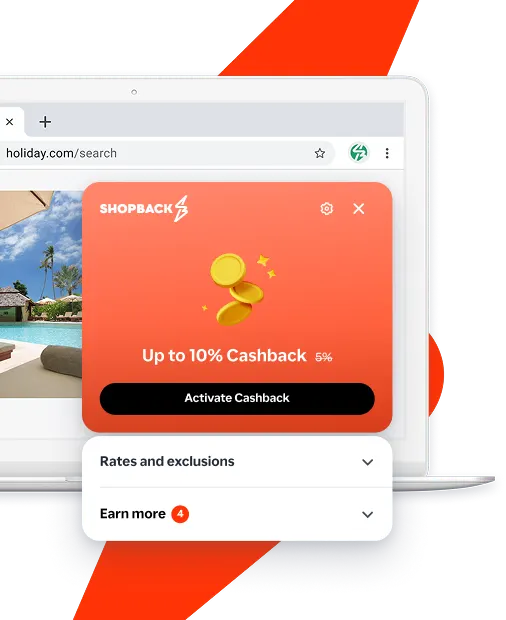
Never miss Cashback on Amazon Prime Video
Get instant alerts on Cashback when you shop online with the ShopBack extension.
Cashback tips
Check carefully for Cashback exclusions and caps before you buy or book to avoid disappointment. Don't forget the terms and conditions on any promotion and campaign pages.
Complete your shopping in one go: Always start from this platform to visit the store directly, for every new transaction. If your store visit is interrupted by an app update or download screen, restart your shopping from our platform.
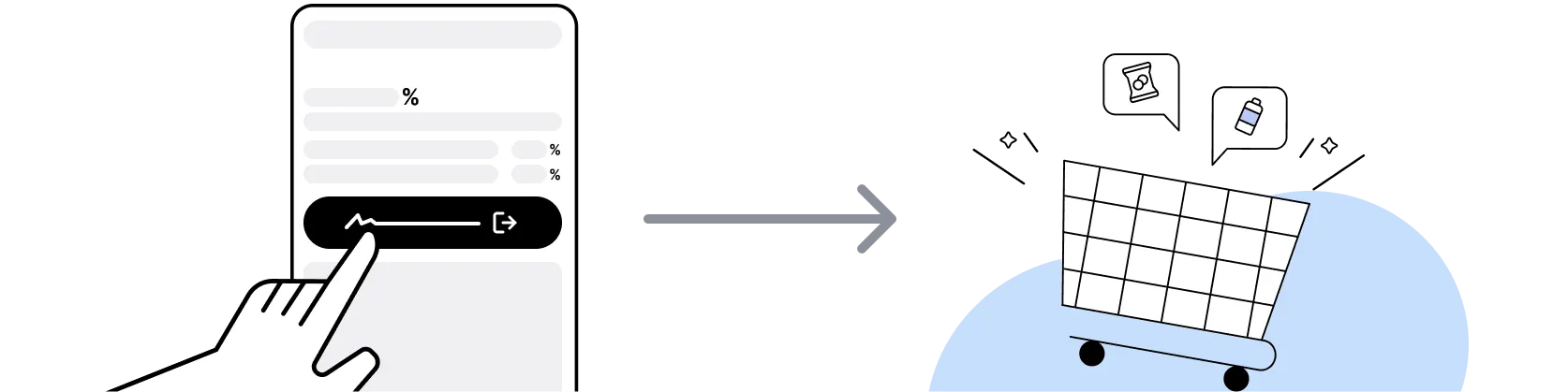
For Amazon Prime Video, you need to clear your cart, close the Amazon Prime Video app, open this platform to visit the Amazon Prime Video app or website and complete your purchase there in order to earn Cashback. You need to do this for each purchase.
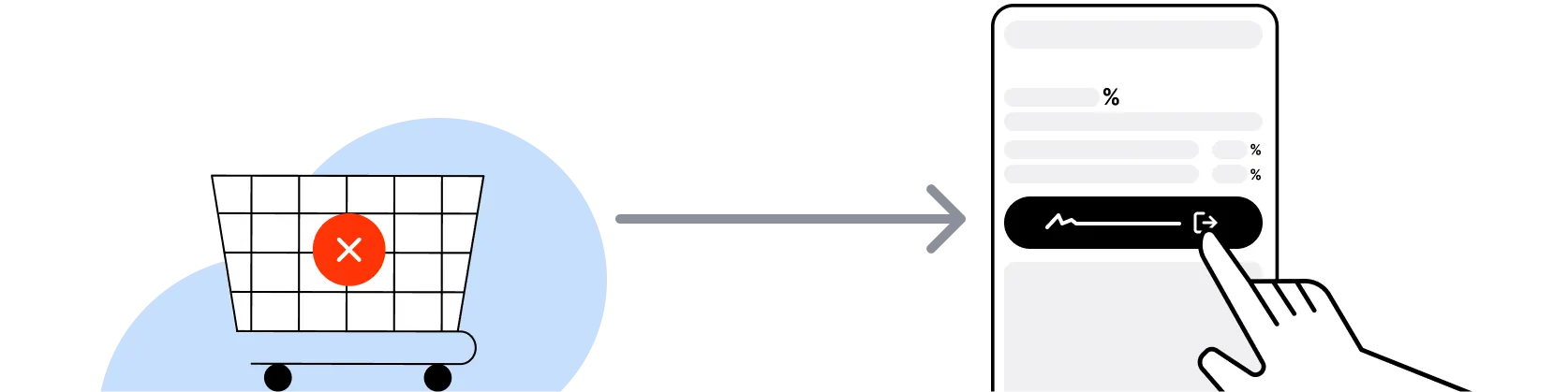
If you encounter payment errors during your purchase, you should restart your visit to the Amazon Prime Video from this platform to ensure that your Cashback continues to be tracked.
Amazon Prime Video can only confirm to us that a transaction is recorded if you accept all cookies that appear on their pages.
Shop and earn at similar stores
Amazon Prime Video on ShopBack
What is Amazon Prime Video?
Amazon Prime Video is the video streaming service run by Amazon, launched in 2006 and now available in over 200 countries and territories, so pick your plan, then start your membership through ShopBack before you pay, where ShopBack Cashback works like a discount, only easier than a promo code. In Australia it is included with an Amazon Prime membership, which also carries free delivery on eligible amazon.com.au items, early access to deals and Prime Gaming. Members stream Amazon Originals, films and series from the web or the Prime Video app, watch on up to 3 devices at once, and download titles for offline viewing. Click through from the ShopBack Amazon Prime Video merchant page before you start a membership to earn Cashback at the current published rate.
Is Prime Video included with Amazon Prime, or sold separately?
Amazon's help pages state that you get a selection of Included with Prime titles as part of an Amazon Prime membership, whether monthly, annual or an annual Prime Student membership. Membership offers vary by country, so Australians should select Australia during sign-up to see the local options. Some titles sit outside the included catalogue and are offered as rentals, purchases or through add-on subscriptions at extra cost. The ShopBack Amazon Prime Video listing tracks the Prime sign-up itself, so the included catalogue is what the Cashback relates to.
How does the 30-day free trial affect ShopBack Cashback?
New Amazon Prime members get a 30-day free trial. Start the trial from the Amazon Prime Video page on ShopBack before you sign up.
Does the ShopBack listing cover sign-ups outside Australia?
The Amazon Prime Video listing on ShopBack Australia is for Australian sign-ups. Sign up on primevideo.com with Australia selected, starting from the Amazon Prime Video page on ShopBack before you pay.
What are Prime Video add-on subscriptions?
Add-on subscriptions are extra channels and streaming providers you can subscribe to inside Prime Video for an additional fee, and the providers manage which titles they include. Some add-ons offer a Watch Live feature for broadcast streams on supported devices. They bill separately from the Prime membership and can be cancelled from Your Account in Prime Video. Add-ons are not the subject of the ShopBack Amazon Prime Video listing, so do not count on Cashback for a channel subscription; the listing is about the Prime membership sign-up.
How do Prime Video rentals and purchases work?
Prime Video also sells and rents individual films, seasons and box sets. Amazon's help page states that rented titles stay in your video library for 30 days from the rental date, and once you press play you have at least 48 hours to finish watching. Bought titles are added to My Stuff and are generally available to stream or download, though licensing can occasionally make a title unavailable. Rentals and purchases are paid per title rather than through the membership, and they are separate from the Prime sign-up that the ShopBack Amazon Prime Video listing tracks.
Prime Video vs Netflix or Stan for Australian households?
Prime Video is the only one of the three bundled with a shopping membership, so if your household already values Amazon delivery, the streaming comes with a membership you hold anyway. Netflix and Stan are standalone subscriptions with their own tiers and catalogues. Prime Video also adds pay-per-title rentals and add-on channels inside the same app. For a catalogue comparison, our Netflix vs Stan vs Binge guide covers the local line-ups. On ShopBack, it is the Prime sign-up started from the Amazon Prime Video page on ShopBack that earns Cashback. For a deeper look, see Netflix vs Stan vs Binge Australia 2026: Family Streaming Bundle Verdict.
How many devices can I use with Prime Video?
Prime Video's sign-up page states you can watch on up to 3 devices at once, from the web or the app on phones, tablets and selected smart TVs, with consoles, set top boxes, media players and Amazon devices also supported. Titles download to iPhone, iPad and Android devices for offline viewing, and profiles keep household watchlists separate. None of this affects ShopBack tracking, which is tied to the membership sign-up made in the browser session started from the ShopBack page.
How do I earn ShopBack Cashback on Amazon Prime Video?
Go through ShopBack before you pay and the Cashback tracks to your ShopBack account. Click through from the Amazon Prime Video page on ShopBack to primevideo.com with Australia selected, and start the Amazon Prime membership there. The current Cashback is shown on the Amazon Prime Video page on ShopBack before you sign up.
Does cancelling Prime Video affect my ShopBack Cashback?
The Prime sign-up Cashback confirms once the membership continues past the 30-day free trial into a paid period. Cancelling an add-on channel or a rental leaves the Prime sign-up Cashback as it is.
Who is better, Netflix or Amazon Prime?
Neither is better for everyone: Netflix suits households that mainly want a standalone streaming service with a deep library of original series and films, while Amazon Prime suits households that already shop on amazon.com.au, because Prime Video comes bundled with Prime delivery benefits. If you mostly stream and rarely order from Amazon, Netflix is the more focused subscription. If you already pay for Prime for shipping, Prime Video comes with a membership you hold anyway, plus rentals and add-on channels in the same app. Many families keep one as the main service and rotate the other in for a specific show, which our streaming subscription savings guide walks through. Start your Prime trial from the ShopBack Amazon Prime Video page and check the live rate there.
Where can I read more about saving at Prime Video?
ShopBack's blog on Prime Video covers what a streaming subscription costs each month: How Much Is Amazon Prime Video per Month in Australia in 2026?.
Last updated: 26 Oct 2026