McAfee
70% Cashback
$8.57
| Standard | Upsized | |
|---|---|---|
Standard Cashback | $8.57 | 70% |
Cashback timeline
Purchase
Tracked in
2 days
Confirmed in
35 days
Terms and exclusions
Refunds, cancellations and no-shows
Any rejected, cancelled, refunded, exchanged or returned purchases will not be eligible for Cashback.
Tracking disclaimers
- Your Cashback may be tracked at a different rate initially and adjusted to the correct rate when we confirm the transaction details.
Other terms and conditions
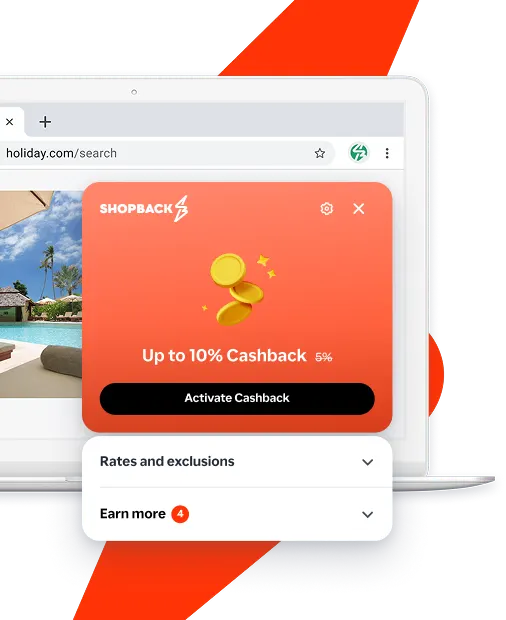
Never miss Cashback on McAfee
Get instant alerts on Cashback when you shop online with the ShopBack extension.
Cashback tips
Check carefully for Cashback exclusions and caps before you buy or book to avoid disappointment. Don't forget the terms and conditions on any promotion and campaign pages.
Complete your shopping in one go: Always start from this platform to visit the store directly, for every new transaction. If your store visit is interrupted by an app update or download screen, restart your shopping from our platform.
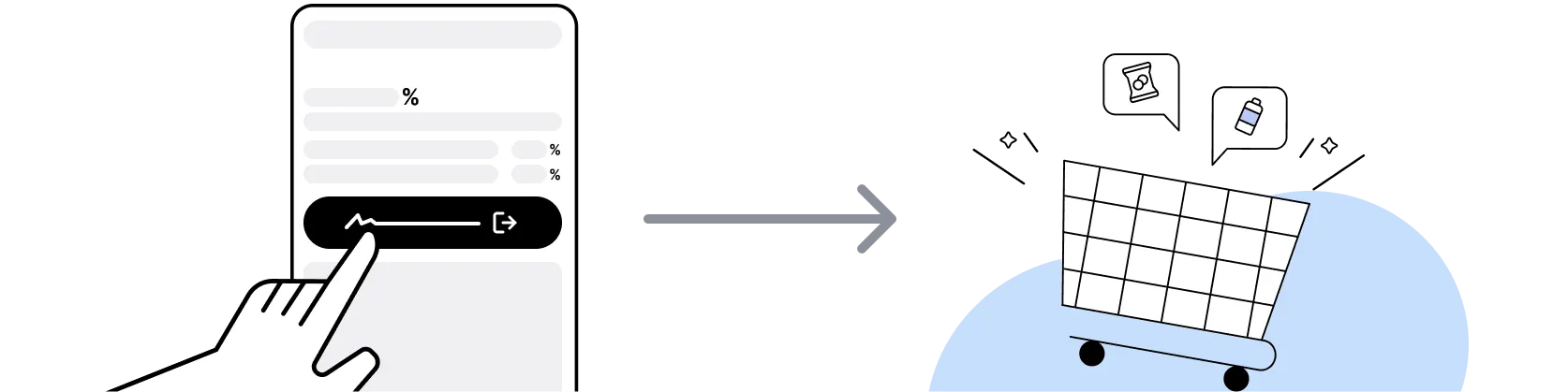
For McAfee, you need to clear your cart, close the McAfee app, open this platform to visit the McAfee app or website and complete your purchase there in order to earn Cashback. You need to do this for each purchase.
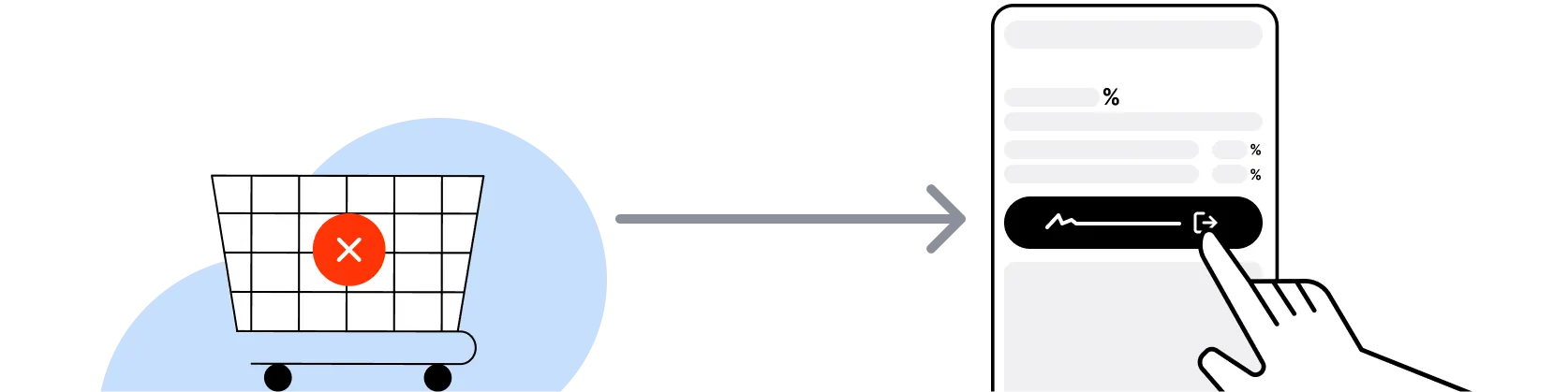
If you encounter payment errors during your purchase, you should restart your visit to the McAfee from this platform to ensure that your Cashback continues to be tracked.
McAfee can only confirm to us that a transaction is recorded if you accept all cookies that appear on their pages.
Shop and earn at similar stores
McAfee on ShopBack
How do I get a discount on McAfee?
Apply the best McAfee promo code or card offer you qualify for, then go through ShopBack before you pay, where ShopBack Cashback works like a discount on the same order, only easier than a promo code. There is nothing to find or type, it does not use up your one McAfee promo code, and it still lowers the price when no code is running. Part of what you pay comes back as Cashback: check the rate shown on ShopBack's McAfee page before you buy.
What is McAfee?
McAfee is an American computer security software company founded in 1987 and headquartered in San Jose, California, so pick your plan, then check out through ShopBack before you pay, where ShopBack Cashback works like a discount, only easier than a promo code. It sells consumer subscriptions that bundle antivirus, identity monitoring, privacy tools and a VPN across Windows, macOS, iOS and Android devices, plus business security products. Australians buy directly on mcafee.com with pricing shown in Australian dollars at checkout. Buy through the ShopBack McAfee page and part of what you spend comes back as Cashback.
How do McAfee subscriptions and auto-renewal work?
McAfee sells its consumer protection as a time-limited subscription, typically one year, tied to a McAfee account that manages the devices covered. Introductory pricing applies to the first term and the renewal price is shown on the plan page and in your account. Auto-renewal is managed under My Account on mcafee.com, where you can turn it off or update the card on file. Check the renewal price and the renewal date on that page before the term ends. ShopBack Cashback applies to the purchase you make after clicking through from ShopBack, not to automatic renewals charged inside the account.
McAfee sale calendar 2026?
Security software discounts cluster around the same Australian retail moments as everything else. EOFY runs through June, Click Frenzy lands in November, Black Friday is 27 November 2026 and Cyber Monday is 30 November 2026, with Boxing Day on 26 December. McAfee also runs introductory first-year pricing year-round for new subscriptions, so the sale windows mostly matter for multi-device and higher-tier plans. Activate through the ShopBack McAfee page before checkout so the discount and Cashback apply together.
McAfee vs Kaspersky for Australian shoppers?
Both sell annual consumer security subscriptions direct to Australians and both have a ShopBack Australia page. Kaspersky publishes three tiers on kaspersky.com.au, Standard, Plus and Premium, with a 30-day money-back guarantee and Windows, macOS, Android, iOS and Linux coverage. McAfee leans on identity and privacy bundles alongside antivirus. Compare the number of devices included, the renewal price rather than the first-year price, and whether you need identity monitoring. Whichever you pick, buy it through the matching ShopBack page and Cashback comes back on the first-year checkout.
McAfee vs the protection built into Windows and macOS?
Windows ships with Microsoft Defender and macOS has its own malware checks, so the question is what a paid subscription adds. McAfee bundles identity monitoring, a VPN, password tools and cross-device coverage for phones, which the built-in tools do not combine in one dashboard. Basic scanning on one computer may not need a subscription; one plan across the family's phones and laptops with identity alerts is the McAfee case. Buying through the ShopBack McAfee page returns part of that spend as Cashback.
How many devices does a McAfee plan cover?
Device allowances differ by plan, and McAfee lists the count on each plan card on mcafee.com. Plans are sold as single-device, multi-device or unlimited-device tiers in most markets, with each device enrolled through your McAfee account after purchase. Before buying, count every laptop, desktop, phone and tablet in the household, then pick the smallest tier that covers them, since a larger plan rarely gets cheaper mid-term. Confirm the current allowance on the plan page at checkout. Cashback through ShopBack tracks on whichever plan you buy at the current published rate.
Does ShopBack Cashback track on a McAfee renewal?
Usually not. Renewals charged automatically from your McAfee account do not pass through a ShopBack click, so there is nothing to track. The reliable route is to let the current term run out or switch auto-renewal off, then buy a new subscription from the ShopBack McAfee page. That new purchase is a tracked order.
Is McAfee priced in Australian dollars?
Yes. On the Australian storefront at mcafee.com/en-au the plan prices display in Australian dollars and include GST at checkout. Going through ShopBack Australia takes you to the Australian storefront.
How do I earn ShopBack Cashback on McAfee?
Go through ShopBack before you pay and the Cashback tracks to your ShopBack account. Start from the ShopBack McAfee page, then choose your plan and pay on mcafee.com. The current Cashback is shown on the McAfee page on ShopBack.
Last updated: 28 Oct 2026