Telco
OnePass Mobile
Up to $40 Cashback
2.5%
| Standard | Upsized | |
|---|---|---|
200GB 365 Day Plan | $0 | $40 |
Standard Cashback | 2.5% | 4.23% |
Take note
- SIM must be activated within 30 days of purchase and you must stay on a OnePass mobile SIM plan for a minimum term period of 75 days to be eligible for cashback.
- Failure to do so will result in cashback being declined.
- Eligible for new & existing OnePass mobile customers on purchase of a new service (SIM).
Cashback timeline
Purchase
Tracked in
2 days
Confirmed in
65 days
Terms and exclusions
Refunds, cancellations and no-shows
Any rejected, cancelled, refunded, exchanged or returned purchases will not be eligible for Cashback.
Tracking disclaimers
- Your Cashback may be tracked at a different rate initially and adjusted to the correct rate when we confirm the transaction details.
Other terms and conditions
OnePass Mobile terms and conditions
- You must activate your OnePass mobile service within 30 days and stay on a OnePass mobile plan for a minimum term period of 65 days to be eligible for Cashback. OnePass mobile retains the right to change or alter the terms of this offer.
- Cashback is paid once per order/transaction, regardless of the number of plans purchased on that order.
- Cashback is provided by ShopBack, and not by OnePass mobile.
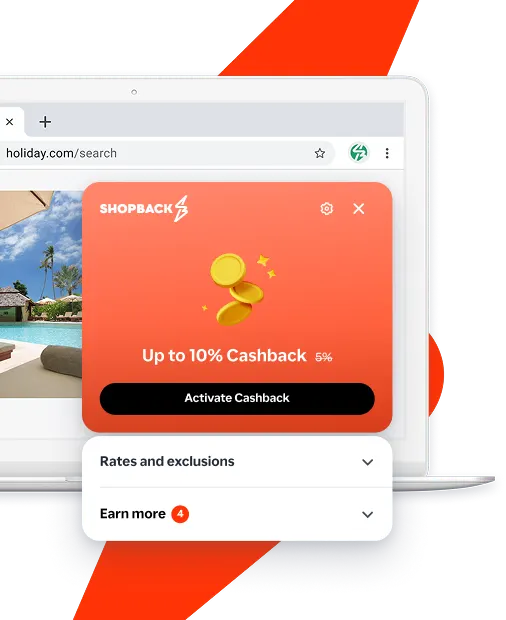
Never miss Cashback on OnePass Mobile
Get instant alerts on Cashback when you shop online with the ShopBack extension.
Cashback tips
Remember to check T&Cs
Check carefully for Cashback exclusions and caps before you buy or book to avoid disappointment. Don't forget the terms and conditions on any promotion and campaign pages.
Check carefully for Cashback exclusions and caps before you buy or book to avoid disappointment. Don't forget the terms and conditions on any promotion and campaign pages.
Restart from this platform every time
Complete your shopping in one go: Always start from this platform to visit the store directly, for every new transaction. If your store visit is interrupted by an app update or download screen, restart your shopping from our platform.
Complete your shopping in one go: Always start from this platform to visit the store directly, for every new transaction. If your store visit is interrupted by an app update or download screen, restart your shopping from our platform.
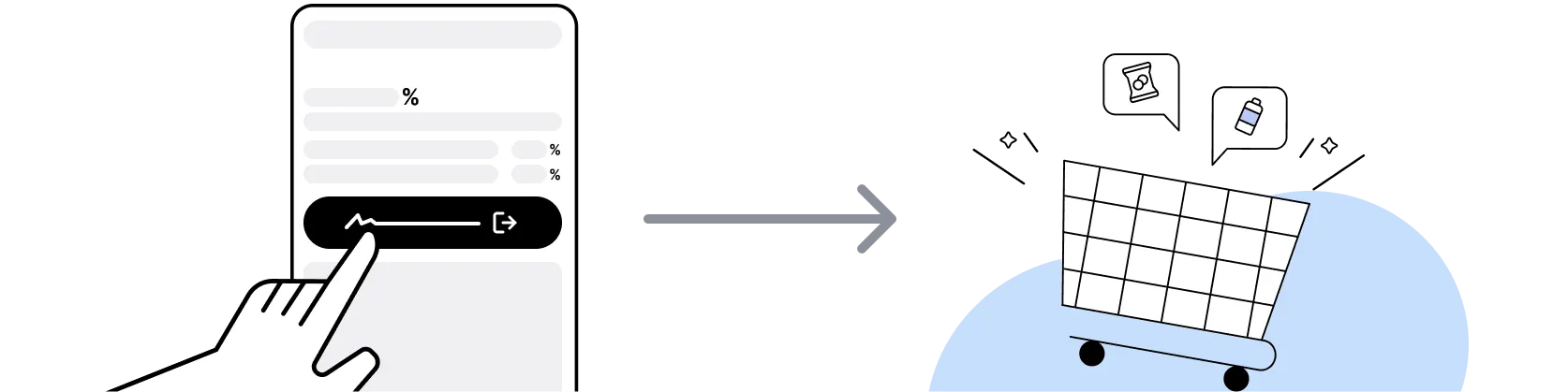
Don't use adblockers or click on other links
Don't click on any third party links or extensions or use VPN or adblocking software, as they could result in your Cashback not being tracked. Some examples include: Facebook ads, Google Ads, other loyalty or cashback extension links.
Don't click on any third party links or extensions or use VPN or adblocking software, as they could result in your Cashback not being tracked. Some examples include: Facebook ads, Google Ads, other loyalty or cashback extension links.

Empty shopping cart first
For OnePass Mobile, you need to clear your cart, close the OnePass Mobile app, open this platform to visit the OnePass Mobile app or website and complete your purchase there in order to earn Cashback. You need to do this for each purchase.
For OnePass Mobile, you need to clear your cart, close the OnePass Mobile app, open this platform to visit the OnePass Mobile app or website and complete your purchase there in order to earn Cashback. You need to do this for each purchase.
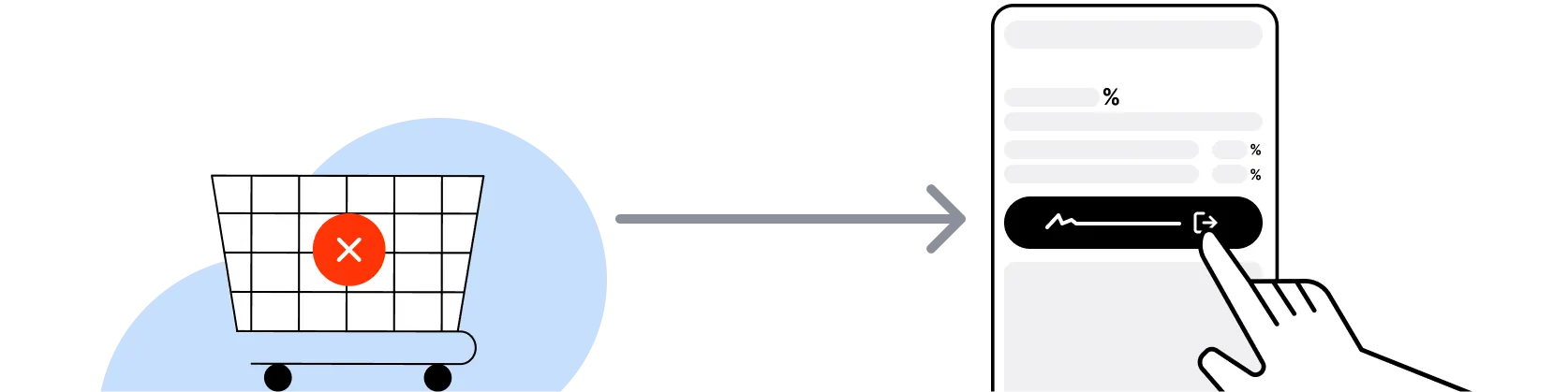
Restart from this platform if payment fails
If you encounter payment errors during your purchase, you should restart your visit to the OnePass Mobile from this platform to ensure that your Cashback continues to be tracked.
If you encounter payment errors during your purchase, you should restart your visit to the OnePass Mobile from this platform to ensure that your Cashback continues to be tracked.
Accept all cookies from the store
OnePass Mobile can only confirm to us that a transaction is recorded if you accept all cookies that appear on their pages.
OnePass Mobile can only confirm to us that a transaction is recorded if you accept all cookies that appear on their pages.